
When someone finds your business on Google, the reviews are usually the next thing they read. A few old reviews can make a busy shop look quiet. A steady stream of recent ones tells people you're open and good at what you do.
Most happy customers don't mind leaving a review. They just don't think of it unless someone asks at the right moment, with a link that takes two taps. Here's how to set that up, and the rules to follow so your reviews stay up.
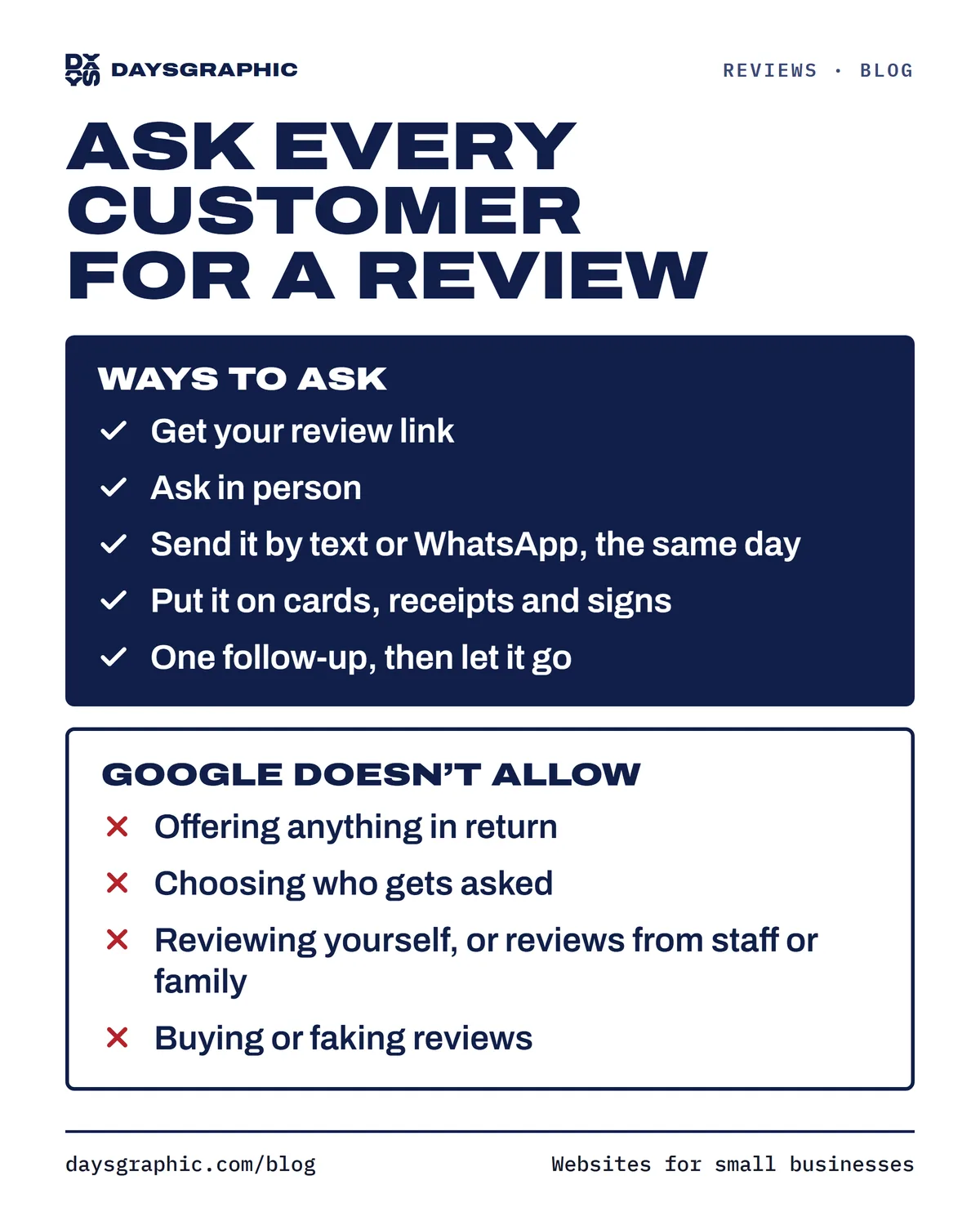
1. Get your review link
Google gives every business profile a short link that opens your review form directly, so customers don't have to search for you.
To find it, sign in to the Google account that manages your profile and open the profile on a computer. Look for Read reviews, then Get more reviews. You'll see the link with a button to copy it, plus a QR code you can save. Google renames these options now and then; its help page on creating a review link or QR code has the current steps.
Save the link where you can paste it fast: your phone's notes, a saved reply in WhatsApp Business, your booking confirmation or your receipts.
If you're not on Google yet, start with how to get your business on Google Maps.
2. Ask at the right moment
The best time to ask is right after a good job: the finished haircut, the end of the meal, the clean kitchen. The experience is fresh and the phone is in their hand. Once they leave, the day gets busy and the moment passes.
In person
Keep it short and honest.
Thanks for coming in today. If you have a minute later, we'd really appreciate an honest review on Google. It helps people find us. Can I text you the link?
Then let them write it on their own phone, in their own time. Google's rules say you can't pressure customers to review you while they're at your business, so don't stand over them or hand them the shop's tablet.
By text or WhatsApp, the same day
A message a few hours after the visit works well: the link is one tap away.
Hi [name], thanks for choosing us today! If you have a moment, would you leave us a quick Google review? It helps other people in the neighborhood find us: [your link]
On paper: cards, receipts and signs
Print the QR code on a small card at the register, a sign by the door, the bottom of your receipt or invoice, or a sticker on the bag or box. Scan it with your own phone before you print a hundred.
One follow-up, then let it go
If they don't answer, one friendly reminder a few days later is fine. After that, stop.
Hi [name], hope everything is still going well since your visit. If you have a minute, we'd love to hear how it went on Google: [your link]. Thank you either way!
3. Make it a habit for the whole team
Reviews come in when asking is routine, not something you remember on slow weeks.
- Decide who asks and when. The front desk at checkout, the technician when the job is done, the server with the check.
- Give everyone the same words and link. A short script and a saved message make it easy for anyone to ask.
- Ask every customer, every day. A steady flow of reviews looks more natural, and helps the next customer more, than a big batch once a year.
- Don't set quotas or tell customers what to write. Google doesn't allow businesses to have staff collect a set number of reviews, or reviews that say specific things. Ask for an honest review and leave the words to the customer.
- Read new reviews together once a week. They tell you what people love and what needs fixing.
4. Reply to every review
Replies are public, so future customers read them as closely as the reviews.
For good reviews, a short thank-you that mentions something specific beats a copy-pasted line.
Thank you! We're so glad the color came out the way you wanted. See you next time.
For bad reviews, wait until you're calm. Thank them, own what you can, and offer to fix it offline. Never argue, and never share private details about the customer or their visit.
We're sorry your order arrived late, and thank you for telling us. That's not the experience we want for anyone. Please call us at [number] so we can make it right.
You can't delete a review because it's negative. If one breaks Google's rules (spam, a fake, or one from a competitor), you can report it and Google decides.
5. What Google doesn't allow
Asking every customer for a review is fine. These are not:
- Offering anything in return. No discounts, free items, raffle entries or "10% off your next visit for a review". Not even for an honest review, and not to get someone to change or remove a bad one.
- Choosing who gets asked. Sending the link only to customers you expect to be happy, or asking "Were you happy?" first and sending only the yes answers to Google, is called review gating, and Google doesn't allow it. Everyone gets the same link.
- Reviewing yourself. No reviews from you, your staff (current or former), your family or anyone else with a stake in the business.
- Buying or faking reviews. Not from websites, agencies or anyone who promises a pile of five stars. No posting from extra accounts, and no writing reviews for customers.
Google can remove reviews that break these rules, and it can restrict the profile itself, for example by blocking new reviews for a while or showing customers a warning that fake reviews were removed. In the US, fake reviews can also break Federal Trade Commission rules. The full list is in Google's rules for reviews.
See where your reviews stand
Our free checkup looks at your rating, how many reviews you have, how recent they are and how you compare with similar businesses nearby, then tells you what to work on first. It takes about a minute. Then go through the Google Business Profile checklist so the rest of your profile is ready too.